Jekyll Secret Posts
Jekyll plugin for share-only URL secret posts
TL;DR
- A Jekyll plugin that provides private posts through a share-only URL approach.
- Built to share private content on a blog where only people who know the URL can access it.
- Supports hash-based permalinks, sitemap/search engine exclusion, and simple integration.
Planning
Background
These days, I have been writing my resume for job applications. I am trying to capture my career, projects, and overall experience so far, and I started thinking about how to fit everything into a single resume.
I cannot put every project detail into the resume itself. If I did that, it would easily exceed 10 pages. But if I remove those details, I cannot properly show the problem-solving process.
So I chose to create separate external documents for the details: keep the resume concise and explain deeper experience in external documents.
Then the question became: how should I create those external documents?
Creating separate files again did not feel much different from stuffing content into the resume, and I did not like the design of Notion or Google Docs.
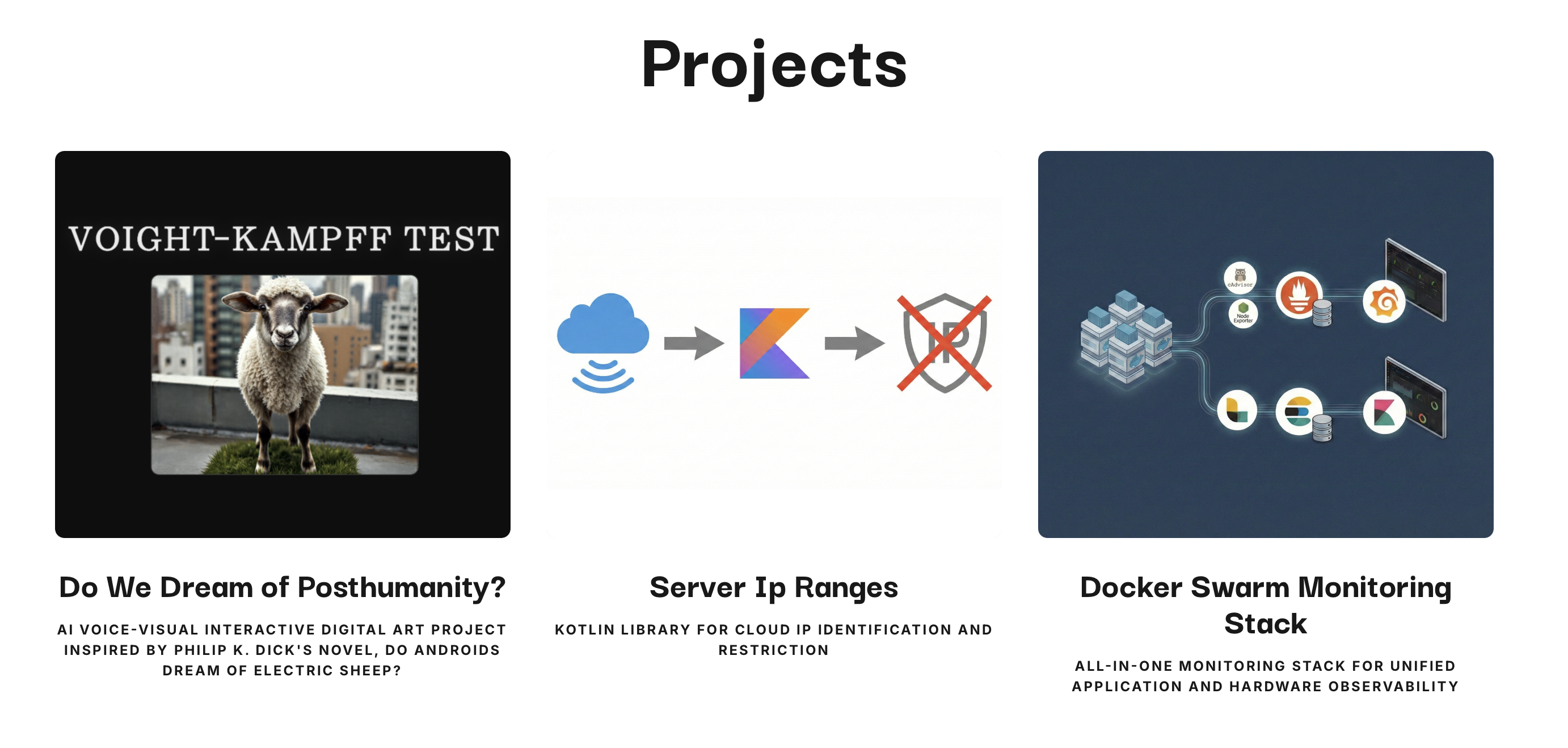
At that point, I looked at my own blog. The design was good, I could freely customize the UI, and anyone could access it immediately if I shared a URL, so it seemed like the best alternative.
However, it could be problematic to publish career experiences that contain company software architecture and domain context openly on the blog, so I could not use it as it is.
I could simply hide specific posts from list pages, but because the topic is sensitive, I wanted a more robust and scalable approach.

drive.google.com/drive/folders/1FsvTO123Bb3mSQu456HwSAdpD00mo6tM?usp=sharing
While thinking about options, I noticed how Google Drive sharing links work.
Anyone who knows the URL can access it, but for someone who does not know it, discovering the exact URL is mathematically close to impossible: a share-only URL.
This matched my requirements exactly, so I decided to build a Jekyll plugin that automates share-only URL generation.
Goals
1. Share-Only URL
Hidden articles must be accessible only to people who know the URL.
Therefore, hidden articles should not only be excluded from article lists but also not appear in the sitemap, and they must prevent search engine indexing.
Also, no matter how well they are hidden, it is meaningless if URLs can still be inferred or brute-forced. So, as in Google Drive’s case, they need unguessable random strings.
2. Smooth Integration
I had struggled with environment setup in other Jekyll plugins before, so in this plugin I wanted to provide a smooth developer experience.
So integration should finish in one minute by just reading the README, and custom configuration should expose only the necessary features through a minimal interface.
Also, many Jekyll sites including my blog are built with multiple plugins, so I needed compatibility with other plugins to achieve smooth integration without complex setup.
Development
Tech Stack
Built for Ruby 2.7+ and Jekyll 4.x environments.
Because this plugin must integrate into Jekyll websites, I excluded additional dependencies beyond Jekyll and implemented it using only the Ruby standard library.
For testing and linting, I chose RSpec and RuboCop, which are widely used in the Ruby ecosystem.
Architecture
This plugin is broadly composed of four modules: Config, UrlTokenizer, Hooks, and Generator.
Config
Config reads Jekyll site settings, custom settings from _config.yml, and the salt environment variable (JEKYLL_SECRET_SALT) to provide global configuration values referenced throughout the entire build lifecycle.
All custom settings are optional, and only minimal settings compatible with Jekyll defaults are provided, such as the secret collection’s path and identifier and the URL prefix where secret posts are exposed.
For details, please refer to README.md.
UrlTokenizer
UrlTokenizer hashes the secret collection identifier (collection_name) and relative path (source_dir) to generate a fixed-length hex token used in URLs.
If the hash is computed without a salt, it is vulnerable to inference-based brute-force attacks, so using salt is recommended for security in production.
A SHA-256 hash is computed with salt, and part of the result is used as the token. The same path always produces the same token, so as long as the salt is the same, the same permalink is guaranteed across environments.
Hooks
Hooks implements the plugin’s core behavior by creating the secret collection and handling search exclusion, and it runs three times following the Jekyll build lifecycle.
After site initialization - register the secret collection in Jekyll collections
After document initialization - call UrlTokenizer, generate URL permalink for documents in the secret collection, and set sitemap exclusion
After rendering - insert the robots meta tag into rendered HTML of secret collection posts to prevent search engine indexing
Generator
Generator manages how secret document URLs are accessed and runs before rendering during the Jekyll build lifecycle.
During build, Jekyll does not automatically generate index.html directly under the secret document path (_site/s/); it only generates individual documents such as _site/s/<token>/index.html.
If a web server supports directory listing (Apache - mod_autoindex, Nginx - autoindex), accessing the secret path /s/ can expose URLs of child documents that should remain hidden.
To prevent this, Generator creates a redirect index.html page and adds it to the secret path. This ensures that access to the secret path is automatically redirected to the configured path (redirect_url), blocking URL leakage through directory listing.
In addition, if list_urls is enabled, Generator logs secret collection URLs during build. The design considerations behind this feature are explained later in the troubleshooting section.
Jekyll Lifecycle
The plugin runs sequentially across four points in the Jekyll build lifecycle: Init, Read, Generate, and Render.
Init
Right after the Init stage, the site:after_init hook runs. Before collection settings are finalized, it registers the secret post collection in collections, and if the source directory is included in exclude, it removes it to ensure Jekyll reads the _secret/ directory.
Read
Whenever a document object is created during build, the documents:post_init hook is called. It sets the URL of documents in the secret collection to a hashed permalink.
Generate
In the Generator stage, the plugin’s internal Generator runs. It adds a redirect index.html under the URL prefix path and prints the secret post URL list in build logs depending on configuration.
Render
After document rendering, when each document’s HTML has been generated, the documents:post_render hook runs. It inserts a noindex meta tag at the top of secret collection document HTML to prevent search engine indexing.
Troubleshooting
1. How to Check Secret Post URLs
Because secret URLs are hash-derived and cannot be predicted, users cannot know those URLs unless they directly inspect built files under _site.
To solve this, I added a feature to print URLs to build logs.
However, if the same logs are printed in unsafe environments such as CI/CD or external servers, secret URLs can leak. So I designed it with a restriction: output is enabled only when the user manually turns it on in a local development environment.
2. Jekyll Plugin Conflicts
Jekyll plugins reference shared objects such as collections, documents, permalinks, and rendered HTML simultaneously during build. Therefore, when developing a plugin, concurrency-aware design is needed to avoid conflicts with other plugins.
This plugin also considered conflict prevention during development. Here are the conflict cases that were resolved.
| Conflict Type | Cause | Resolution |
|---|---|---|
| Path conflict | Existing collection name/path duplication | Prevent overwrite and support secret collection name/path settings |
| Duplicate permalink modifications | Multiple plugins modify the same permalink | Limit operation scope to the secret collection |
| Sitemap generation | jekyll-sitemap plugin collects sitemap in the Generator stage |
Set doc.data["sitemap"] = false on secret documents in documents:post_init hook before Generator |
Result

The plugin I developed has been publicly released on GitHub and RubyGems. You can try it in the project GitHub Repository.
This very blog you are reading also applies the plugin. Somewhere on this blog, at a URL only I know, there are posts containing career experience details that supplement my resume.
Going forward, I plan to keep using it myself and continue adding features as I identify needs. Contributions are always welcome!